gCMOB APK
Download Latest Version for Android & PC | gcmob.in

gCMOB APK download latest version for Android. Explore features, installation steps, PC setup, CCTV configuration and troubleshooting.
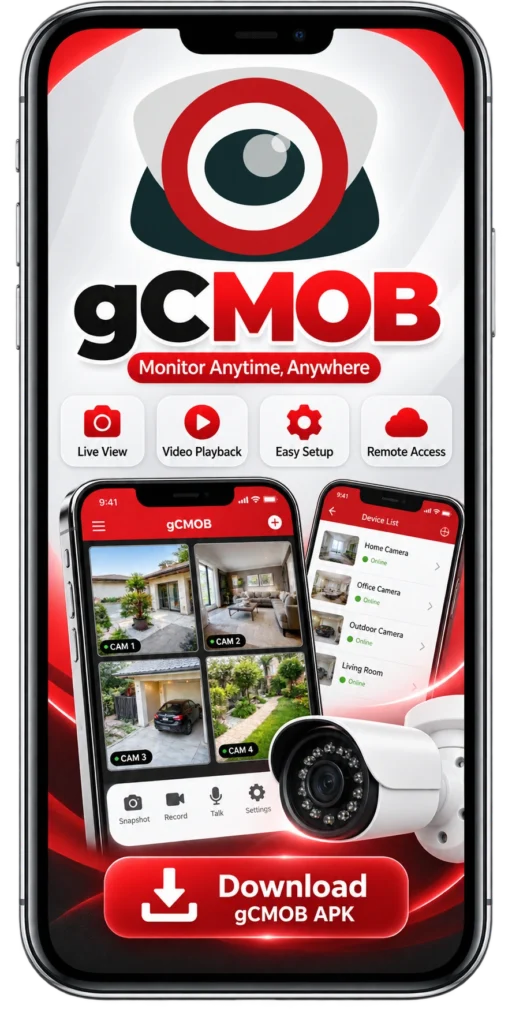
gCMOB is a mobile surveillance application associated with CP PLUS security devices. It is designed to help users monitor compatible CCTV cameras and other supported surveillance equipment from a mobile device. Depending on the connected device and app version, users can access features such as live viewing, video playback, device management, and camera controls.
If you are looking for gCMOB APK download, this guide explains the app, its features, compatibility, installation process, device setup, PC options, troubleshooting, and other useful information before you install it.
gCMOB is a surveillance utility app used with compatible CP PLUS security systems. It provides a convenient way to access supported CCTV equipment through a smartphone or other compatible platform.
The app can be useful for users who want to check their cameras remotely rather than relying only on a monitor connected directly to a DVR or NVR.
Depending on the supported device and configuration, gCMOB can provide access to live camera feeds, recorded video, device settings, and other surveillance functions.
What Can You Do With gCMOB?
With a compatible setup, gCMOB can be used for tasks such as:
The exact options available to you depend on your CP PLUS device and the version of gCMOB installed.
A major advantage of a mobile surveillance application is convenience. Instead of being physically present in front of the CCTV monitor, users can access supported surveillance functions from a compatible device.
What Can You Do With gCMOB?
gCMOB can provide remote access to compatible surveillance equipment when the required network and device configuration are available.
Live Camera Viewing
The app can display live feeds from compatible cameras, allowing users to check their property or other monitored locations.
Video Playback
Supported devices can provide access to recorded footage through the app, making it easier to review previous camera activity.
Device Management
Users can manage compatible surveillance devices from within the application, although available management functions depend on the connected equipment.
Camera Controls
Supported cameras may provide additional controls such as PTZ functionality, digital zoom, or other camera-specific options.
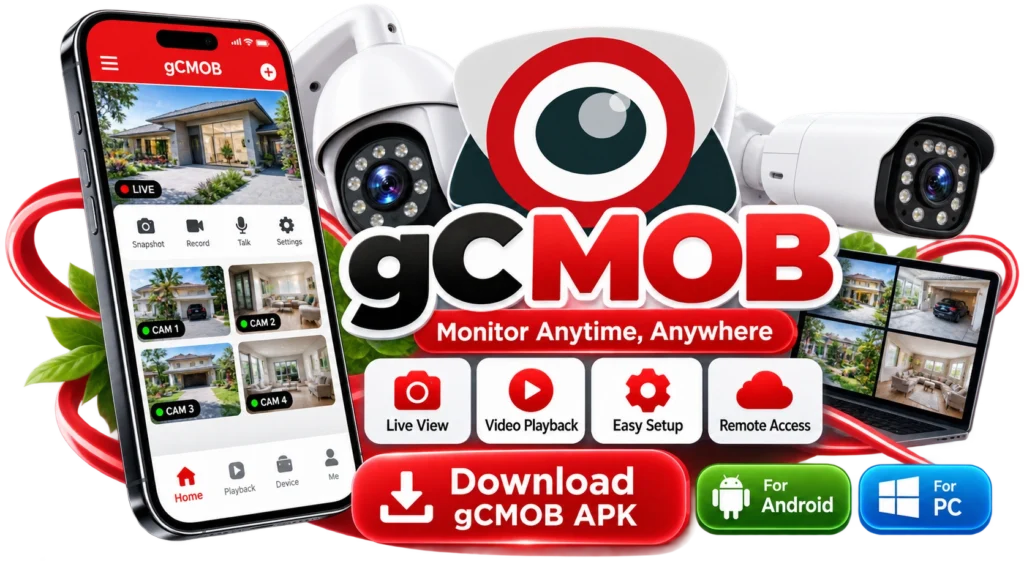
gCMOB provides a range of surveillance-related functions. The features you see can vary depending on the connected CP PLUS equipment and app version.
Live View
Live View lets you monitor available camera channels in real time. This can be useful when you want to check a property, office, shop, or another monitored location.
Video Playback
When your connected surveillance system has recorded footage available, the app can provide playback functionality for supported devices.
Multi-Camera Viewing
Depending on the device and app configuration, multiple camera channels can be viewed from the application.
Device Management
gCMOB allows users to work with supported surveillance devices and manage their available connections.
PTZ Controls
Compatible PTZ cameras may provide pan, tilt, and zoom controls through the application.
Digital Zoom
Supported video views may offer digital zoom for closer inspection of parts of a camera feed.
Two-Way Audio
Where supported by the camera and surveillance system, audio-related functions may be available through the application.
Remote Configuration
Some compatible devices provide configuration options through the mobile application.
Notifications and Alerts
Notification functionality can depend on both the application and the connected surveillance system. If notifications are available, they can help users respond to relevant camera or device events.
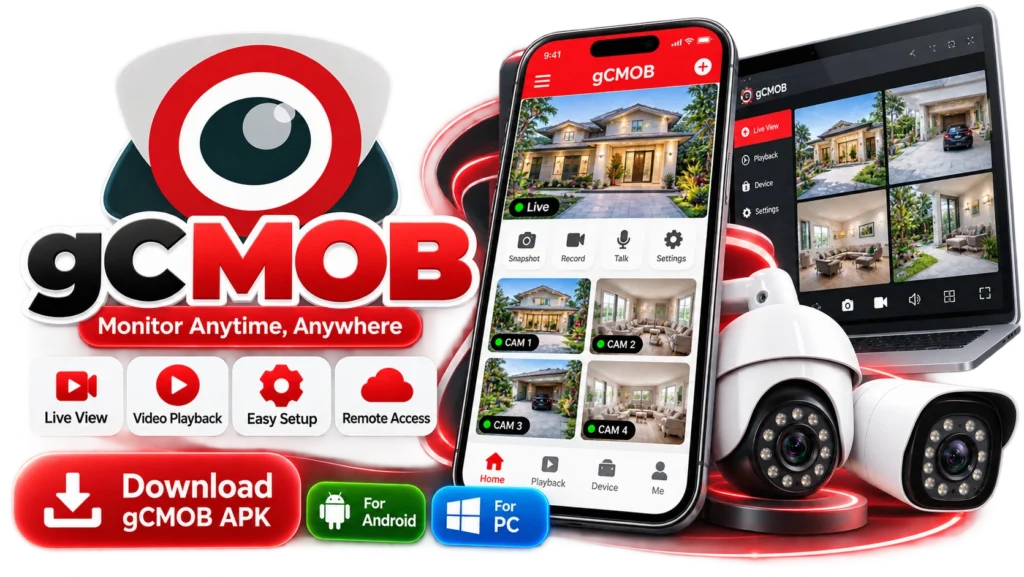
If you are specifically searching for gCMOB APK download, first check the version and compatibility information before installing the file.
Latest gCMOB APK Information
| Information | Details |
| App Name | gCMOB |
| Category | Surveillance / CCTV |
| Developer | Aditya Infotech Ltd |
| Platform | Android |
| Primary Use | CCTV and surveillance monitoring |
| Compatibility | Depends on Android version and supported device |
| Latest Version | Check the current release before publishing |
Because application releases can change, the version number, file size, Android requirement, and release date should be checked against a current reliable source before publishing a specific value.
What’s New in the Latest gCMOB Version?
New releases can contain bug fixes, compatibility improvements, performance changes, interface updates, or other modifications.
For this reason, it is better to check the release information for the particular version you intend to install rather than assuming every version contains the same features.
Download gCMOB APK
Before installing an APK, make sure:
Different versions of gCMOB may be useful for different devices and Android configurations. An older version can sometimes be relevant when a particular device or setup does not work correctly with a newer release.
| Version | Release Information |
| gCMOB 3.4.1 | Check current release information |
| gCMOB 3.3.4 | Previous release |
| gCMOB 3.2.7 | Previous release |
| gCMOB 3.2.5 | Previous release |
| gCMOB 3.2.1 | Previous release |
| Older releases | Availability varies |
For exact release dates, APK sizes, architectures, and other technical details, verify the individual release before publishing them.
gCMOB Old Versions
An older version may be useful if:
However, older software may lack newer fixes or features. If you install an older APK, make sure you understand the compatibility and security implications.
For a complete version-focused guide, see gCMOB Old Version.
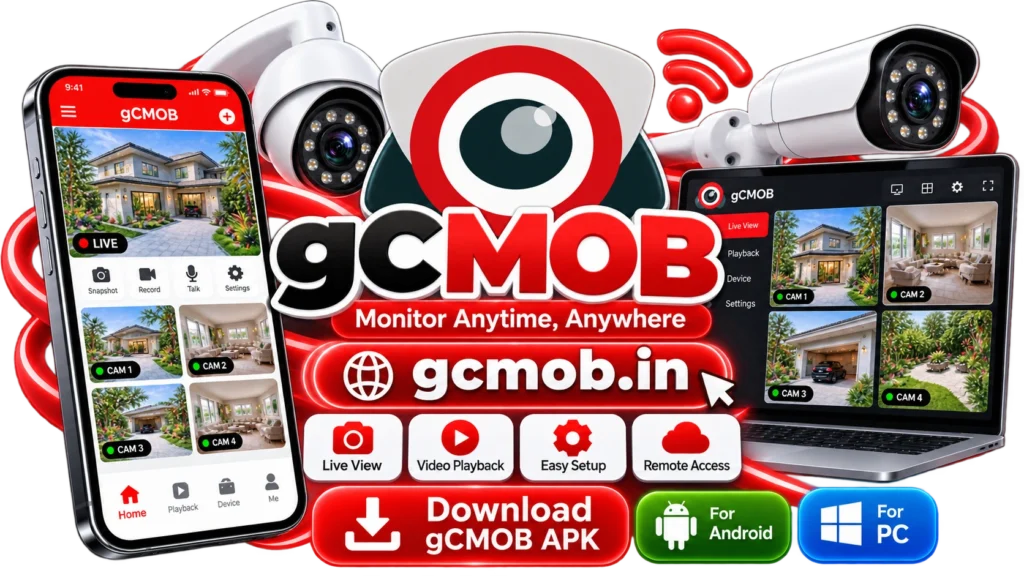
gCMOB searches are not limited to standard Android phones. Users also look for versions OR methods for PCs, laptops, Macs, iPhones, Android TVs, and Smart TVs.
gCMOB for Android
Android is the primary platform associated with the gCMOB APK. Before installation, check the Android requirement for the particular version you are downloading.
gCMOB for Android TV
Users searching for gCMOB for Android TV should first verify whether their particular TV model and current gCMOB release support the required installation method.
See our dedicated gCMOB for Android TV guide for installation and compatibility information.
gCMOB for Smart TV
Smart TV compatibility can vary significantly between manufacturers and operating systems. A Smart TV should not automatically be assumed to support every Android APK.
gCMOB for PC
Users can also search for gCMOB for PC, Windows, or laptop installation options. PC use may involve a compatible desktop application or an Android-based environment, depending on the available software and setup.
See the dedicated gCMOB for PC guide for detailed instructions.
gCMOB for Mac
Mac users should verify the currently supported installation method and macOS compatibility before attempting to run the application.
gCMOB for iPhone
The iOS side of the CP PLUS app ecosystem uses different app availability and naming, so iPhone users should verify the currently listed official application rather than assuming an Android APK can be installed on iOS.
Searching for gCMOB for PC, gCMOB for Windows, or gCMOB for laptop usually means the user wants to monitor CCTV cameras from a larger screen.
Can You Run gCMOB on a PC?
PC availability depends on the software and method being used. An Android APK cannot normally be installed directly on standard Windows in the same way as an Android phone.
A compatible PC method may involve supported desktop software or an Android environment.
gCMOB for Windows
Windows users should check the current PC software requirements and supported installation method before setting up gCMOB.
gCMOB for Laptop
A laptop can be used for CCTV monitoring when the selected gCMOB-compatible method supports the laptop’s operating system.
gCMOB PC Requirements
Requirements depend on the installation method. If an Android environment is used, its hardware requirements may also apply.
How to Install gCMOB on PC
The general process is:
For the complete procedure, visit gCMOB for PC.
Installing an APK is straightforward when the file and Android version are compatible.
Step 1 – Download the APK
Download the gCMOB APK version you intend to use from a trustworthy source.
Step 2 – Check Compatibility
Before installation, check the Android requirement and available storage.
Step 3 – Allow APK Installation
If Android asks for permission to install applications from the source you are using, review the permission and enable it only when appropriate.
Step 4 – Install gCMOB
Open the downloaded APK and follow Android’s installation prompts.
Step 5 – Open gCMOB
After installation, launch the application and review the requested permissions.
Step 6 – Add Your Compatible Device
Use the application’s device-management options to add and configure your compatible CP PLUS surveillance equipment.
Installing the application is only part of the setup. Your CCTV equipment also needs to be compatible and correctly configured.
What You Need Before Setup
You generally need:
Add a Device
Open the device-management area and select the available option for adding a surveillance device.
Configure Device Details
Depending on the supported setup, you may need information such as a device ID, network information, username, password, or QR-based information.
Connect the Camera, DVR, or NVR
Follow the configuration method supported by your particular CP PLUS device.
Test Live View
After adding the device, open Live View and check whether the camera feed loads correctly.
Check Playback
If recorded footage is available and supported, open the playback function and select the required camera and time period.
A proper configuration helps avoid many common connection problems.
Step 1 – Install gCMOB
Install a compatible version of the application on your device.
Step 2 – Open the App
Launch gCMOB and complete any required initial setup.
Step 3 – Add Your Device
Use the device-management function to add your compatible CP PLUS equipment.
Step 4 – Configure Camera Settings
Review the available settings for your device, including video and other supported options.
Step 5 – Start Live Monitoring
Open the camera list and select a connected channel to begin live viewing.
Step 6 – Check Playback
Confirm that recorded footage is accessible if your surveillance system supports playback through the application.
The term gCMOB login can refer to different authentication or device-access situations, so users should distinguish between logging into the application and accessing a web-based service.
How to Log In to gCMOB
Open the application and enter the credentials required by your particular setup.
gCMOB Login on PC
If you are using gCMOB through a supported PC method, follow the login procedure provided by that environment.
gCMOB Online Login
Online access depends on the service and device configuration being used.
Does gCMOB Support Web Login?
Do not assume that an Android application’s login screen means that a separate web portal is available. Verify the current official service and device documentation before using a supposed gCMOB web-login page.
For more information, visit gCMOB Login.
Searching for gCMOB APK for Android TV or gCMOB app for Smart TV requires special attention to compatibility.
Is gCMOB Available for Android TV?
Availability can depend on the TV’s operating system, hardware, application compatibility, and current gCMOB release.
Installing gCMOB on Android TV
If your TV supports the required Android application installation method:
gCMOB on Smart TV
Not every Smart TV runs Android, so an Android APK cannot automatically be installed on every Smart TV.
Connecting CCTV Cameras to TV
Once a compatible gCMOB setup is available, connect the supported surveillance device and verify the live camera feed.
For a detailed guide, visit gCMOB for Android TV.
iPhone users should be careful when searching for gCMOB for iPhone because Android APK files cannot be installed directly on iOS.
Is gCMOB Available on iPhone?
The iOS app ecosystem for CP PLUS surveillance products uses its own App Store distribution. Check the current official listing and compatibility information before installing an iPhone application.
gCMOB and iCMOB
gCMOB and iCMOB should not automatically be treated as identical applications simply because both are associated with CP PLUS surveillance products.
Check the current official app listing, developer information, supported devices, and version information before choosing an iOS application.
iOS App Features
Depending on the current application and compatible surveillance device, iOS users may have access to functions such as live viewing, playback, device management, and supported camera controls.
How to Install the iOS App
Use the official iOS App Store listing for the applicable CP PLUS application and verify the supported iOS version before installation.
CCTV applications can have access to sensitive surveillance information, so security should be considered before installation and configuration.
What Permissions Does gCMOB Need?
Permissions can vary according to the app version and operating system. Review the permissions requested during installation and in your device settings.
What Data Does the App Handle?
The information handled by the application can depend on the features you use, connected devices, and current privacy practices. Check the current privacy information associated with the application.
Is gCMOB Safe to Install?
The safest approach is to obtain the application from a trustworthy source, verify the application identity and version, and avoid modified or suspicious APK files.
How to Keep Your CCTV Account Secure
Advantages of gCMOB
Things to Consider
gCMOB Is Not Connecting to the Camera
gCMOB Login Is Not Working
Check your credentials and confirm that the account or device configuration is still valid.
gCMOB Live View Is Not Working
Check the network connection and verify that the connected camera or DVR/NVR is online.
gCMOB Playback Is Not Working
Confirm that recordings exist and that your connected device supports playback through the current application version.
gCMOB APK Won’t Install
Check the Android version, storage space, APK integrity, and whether an incompatible version is already installed.
gCMOB Keeps Disconnecting
Unstable network connectivity can affect remote surveillance. Check both the mobile connection and the network used by the CCTV device.
Camera Is Offline in gCMOB
Check the camera/DVR/NVR network connection and device status before troubleshooting the application.
gCMOB Video Quality Is Poor
Video quality can be affected by network speed, stream settings, device configuration, and the camera itself.
gCMOB Notifications Are Not Working
Review notification permissions, Android battery restrictions, application settings, and the notification capabilities supported by your device.
The exact requirements depend on the application version and installation platform.
| Requirement | Information |
| Android | Check the requirement of the selected version |
| Storage | Enough free space for installation |
| Internet | Required for remote access |
| CCTV System | Compatible CP PLUS device |
| PC | Requirements depend on the selected PC method |
| Smart TV | Android/OS compatibility must be verified |
Always check the requirements of the specific release before installation.
gCMOB is part of a wider CP PLUS surveillance ecosystem, so users may also search for CP PLUS software, desktop applications, camera software, updates, and technical support.
CP PLUS Mobile Apps
The available mobile application depends on the device and platform.
CP PLUS Camera Software for PC
Users who want desktop CCTV monitoring should check the software available for their specific CP PLUS equipment and Windows/macOS setup.
CP PLUS Software Updates
Keep compatible software updated when an update is appropriate for your device and configuration.
For broader software information, visit CP PLUS Software.
If an application problem is actually related to your DVR, NVR, camera, account, or hardware, official CP PLUS support may be more appropriate than general app troubleshooting.
CP PLUS Technical Support
Use the current official support channels for technical issues.
CP PLUS Customer Care
For warranty, service, product, or hardware-related problems, contact the appropriate official support channel.
Authorised Service Support
For physical hardware problems, use an authorised service option where available.
See our CP PLUS Customer Care guide for verified support information.
Explore the dedicated guides for specific installation and support needs:
gCMOB provides a convenient way to access compatible CP PLUS surveillance equipment from supported devices. Before downloading, check the application version, Android requirements, device compatibility, and source of the APK.
If everything is compatible with your setup, download the appropriate gCMOB APK, install it, and configure your supported CP PLUS surveillance device.