
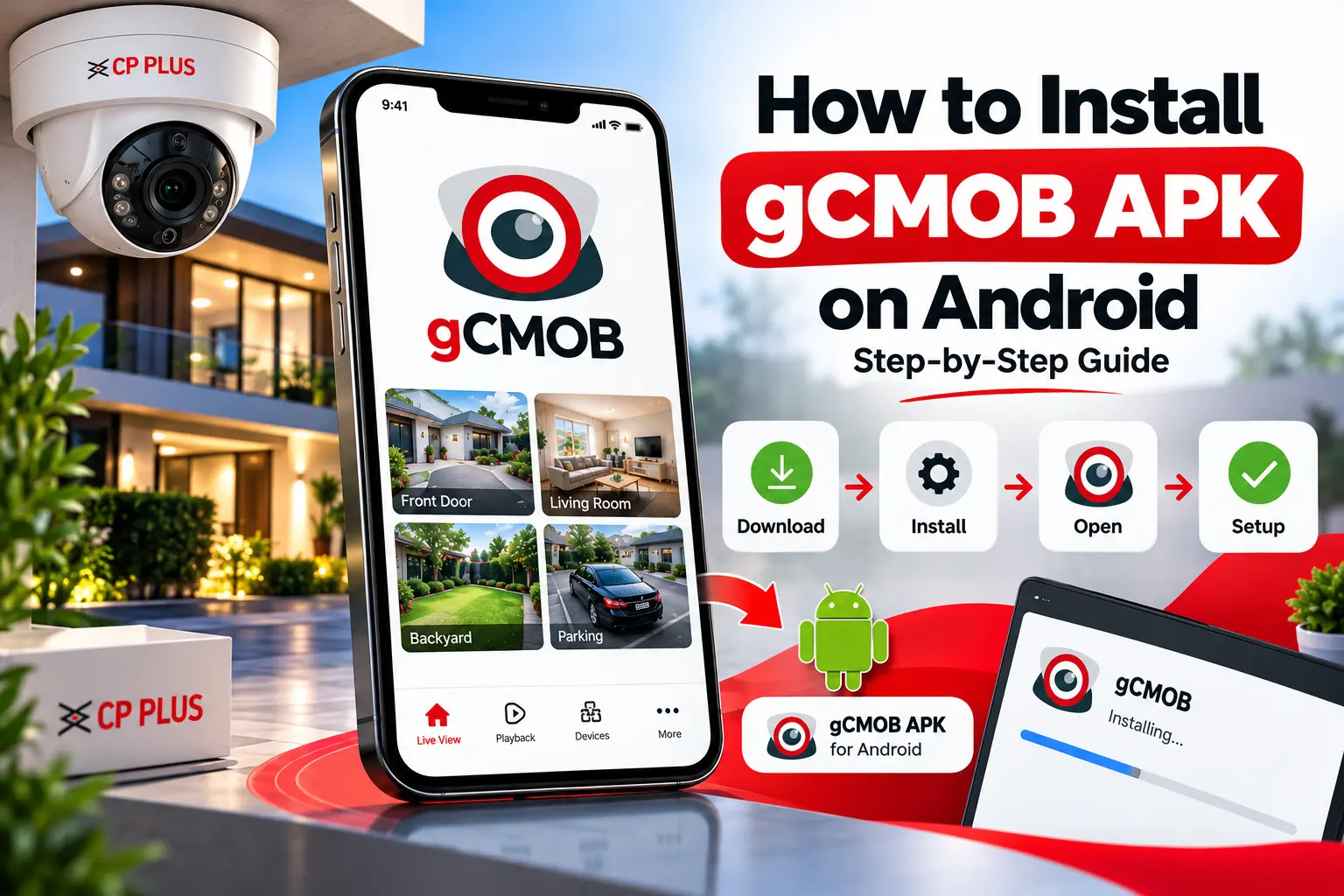
Learn how to install gCMOB APK on Android, check compatibility, configure CP PLUS CCTV devices, and troubleshoot common installation problems.
How to Install gCMOB APK on Android
Installing gCMOB APK on an Android device can help you access compatible CP PLUS surveillance equipment from your smartphone. Before starting, it is important to check your Android version, download the correct application file, and confirm that your CCTV system supports gCMOB.
This guide explains the installation process and provides practical tips for getting started.
What Is gCMOB APK?
gCMOB is an Android surveillance application associated with compatible CP PLUS cameras and recording devices. Depending on the equipment and application version, it may provide features such as live viewing, video playback, and device management.
The APK file is the installation package used to install the application on Android.
Requirements Before Installation
Before downloading the application, check the following:
- Your Android device meets the application’s requirements.
- You have enough free storage.
- The APK comes from a trustworthy source.
- Your CCTV device is compatible with gCMOB.
- You have the required device credentials and network information.
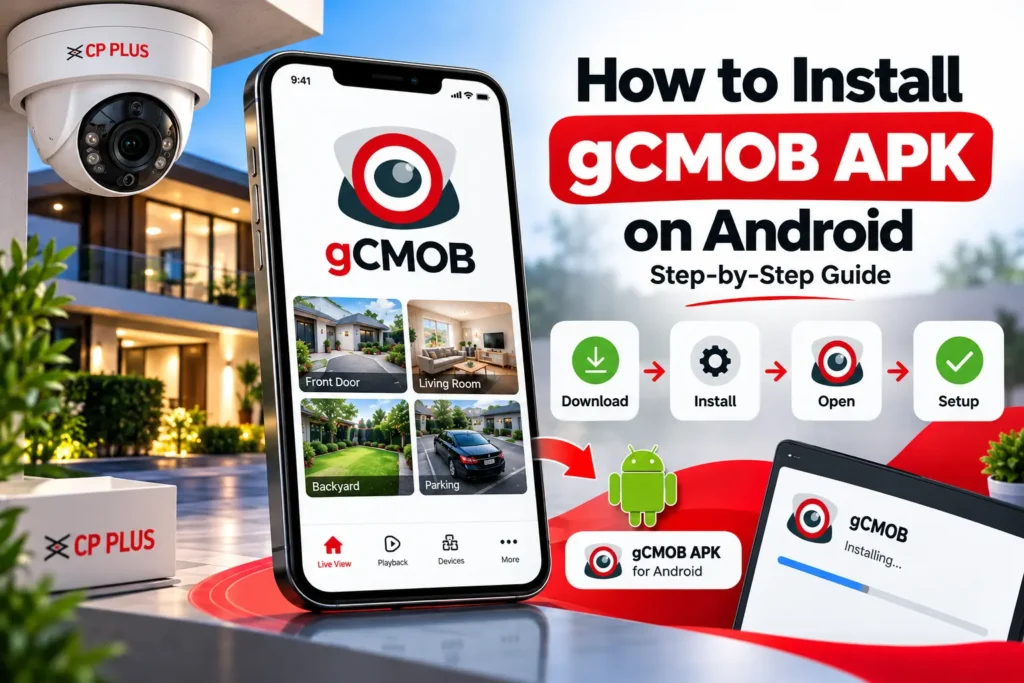
Steps to Install gCMOB APK
Step 1: Download the APK
Visit the gCMOB download page and check the available version information. Download the compatible APK from a trustworthy source.
Step 2: Locate the File
Open your phone’s Downloads folder and locate the downloaded APK.
Step 3: Review Installation Permissions
Android may ask you to permit installation from the source you used. Only allow this if you trust the source and have verified the file.
Step 4: Install the Application
Tap the APK file and follow the on-screen installation instructions.
Step 5: Open gCMOB
Once installation is complete, launch the application and review its setup instructions.
Step 6: Add Your CCTV Device
Use the device-management options to configure your compatible CP PLUS camera, DVR, or NVR.
Common Installation Problems
If the installation fails, check your Android version, available storage, and the integrity of the APK file. An incompatible version or incomplete download may prevent installation.
If the application installs but cannot connect to your camera, check the network connection and device configuration.
Conclusion
Installing gCMOB APK is straightforward when the application is compatible with your Android device and surveillance system. Always verify the download source and requirements before installing.
For additional information, visit the gCMOB APK download page on gcmob.in.